
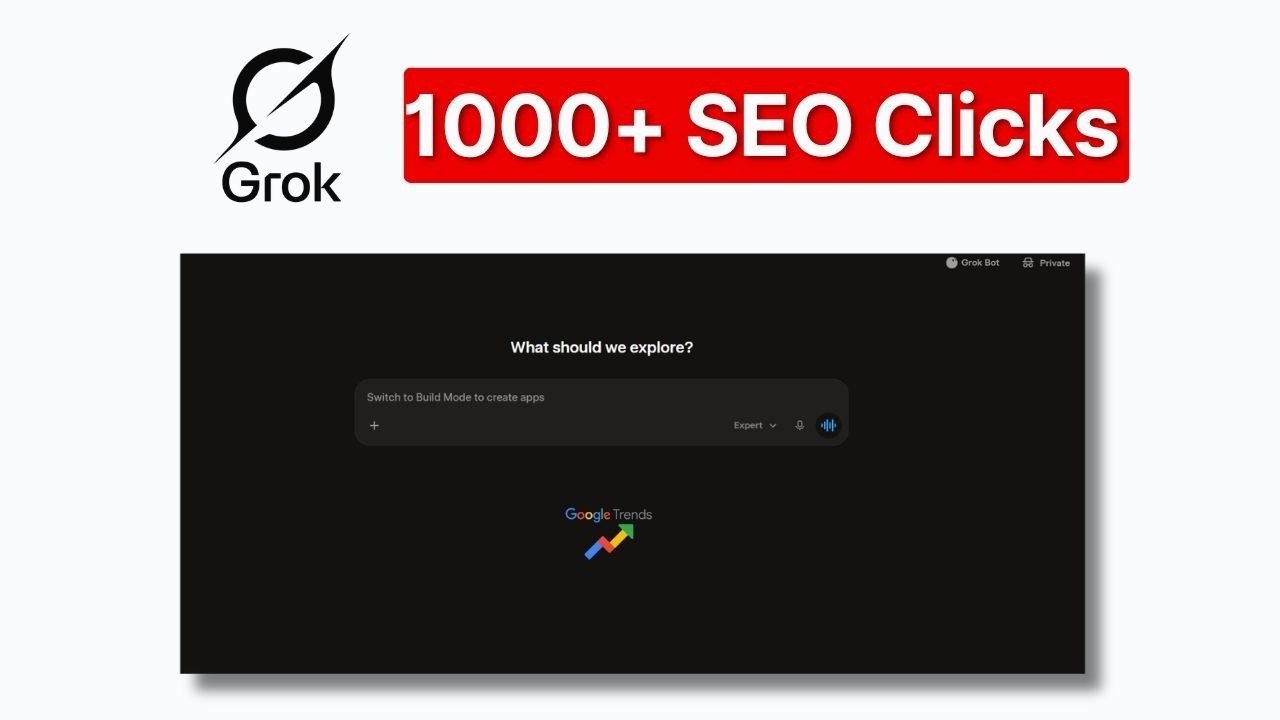
Raj shows a tight loop: open Google Trends, pick a country, look at the daily curated stories, then drill into a large event — in the recording, the FIFA World Cup 2026 — and inspect the last seven days of interest and related matches or terms.
He then takes those search terms into Grok (he uses an “expert” style instruction) and asks it to pull searches and help draft posts. That can be a reasonable research shortcut if you still verify the story and write for a real audience.
The title’s traffic and revenue language is marketing around the tutorial. Search traffic depends on competition, site history, and whether the pages are worth reading. We will not repeat those figures as if they were a forecast for your site.
Steps from the video
- In Google Trends, choose the country you actually want to rank or write for.
- Open a trending story and collect the related searches, not just the headline.
- Brief Grok 4.6 (or another model) with those terms and a clear angle, then fact-check the draft.
- Publish only if the topic still fits your site. A one-off World Cup post on an unrelated domain is usually wasted work.
The YouTube title mentions 1,000+ organic clicks and a 10k-month blog. Those are claims in the video framing, not independently audited results, and they are not typical outcomes. Do not treat this workflow as a revenue guarantee.
Use trends as input, not as a business model
If you want a content plan tied to your services rather than to whatever is spiking this week, see SEO and blog writing or request a free SEO audit.
FAQ
Is writing about every trend a good SEO strategy for a service company?
Usually not. Trends can feed a news or entertainment blog. A local services site should stay close to the work it sells.
Where does he get the topics?
trends.google.com, with a country selected, then daily trending stories and related search terms.
How this fits with QueryLookup
If you want help applying this on a business site, see the related service page, browse more videos, or contact QueryLookup. QueryLookup (Querylookup Research) is a Bengaluru studio working on Google SEO, websites, AI automations, WhatsApp workflows, Facebook ads, and AI social videos. This write-up is an edited companion to the YouTube video, not a caption dump, and it does not replace watching the walkthrough when you need the exact clicks.
The source video runs 4:39 and was published on 2026-10-14. It is one of the recent long-form uploads from the Querylookup Research channel, not a YouTube Short. Use the article to decide whether the method is relevant to your site, then watch the segment you need. None of these posts promise rankings, traffic, or income. Tool names, prices, model availability, and promotional offers change. When a video is sponsored or uses an affiliate link, that is stated in the article. For how we handle claims and recommendations on this site, read the editorial policy and disclaimer.
Before you copy the workflow
Check that the product screens in the video still exist. AI tools, SEO platforms, and domain registrars redesign their dashboards often, and a beta feature can disappear. Prefer official documentation and your own billing or admin screens over any single screenshot. If the video involves connecting WordPress, an API key, or a business profile, use a revocable credential and keep client data out of third-party tools you have not vetted. If you are a local business, pair any AI or content experiment with the basics that still move the needle: a complete Google Business Profile, accurate contact details, and service pages that say who you help.
If you decide the idea is worth trying on a company site, start with one page or one workflow, measure it, and keep a human editor in the loop. That is the same standard we use when we take on SEO or automation work. Questions about a project can go to info@querylookup.com.