
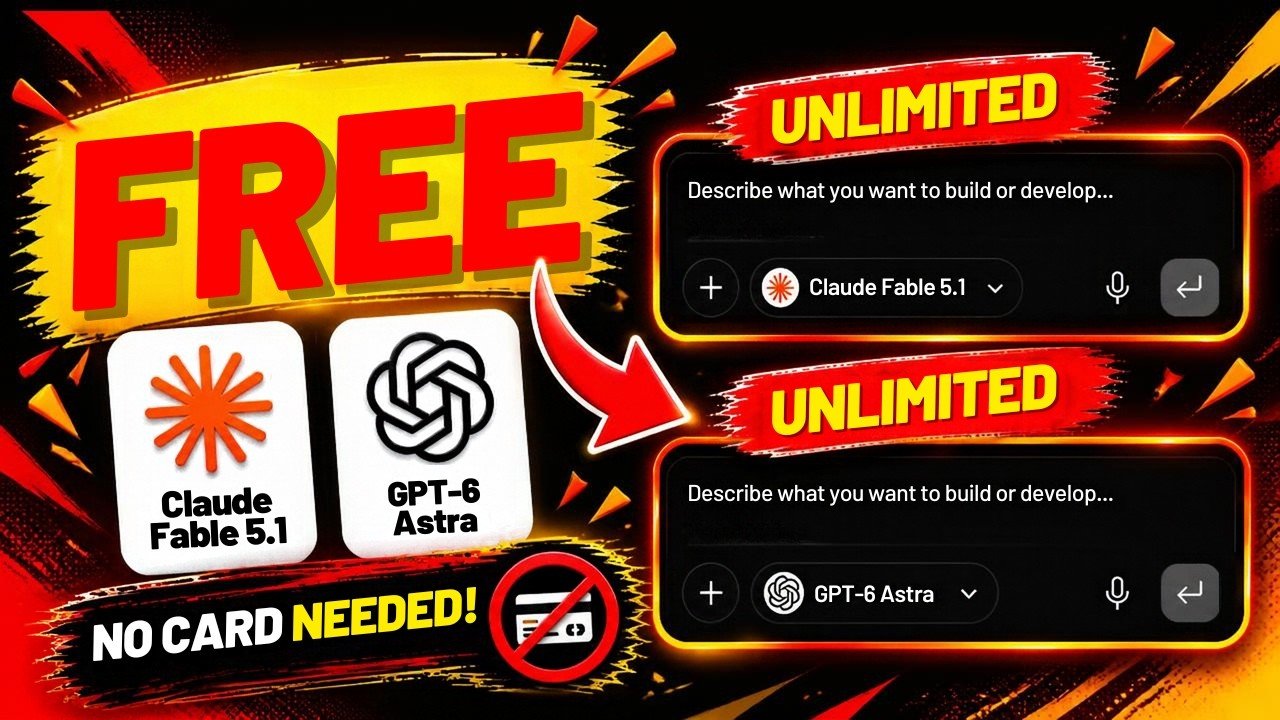
This is a one-minute-plus pointer video. Raj says that if you want to try ChatGPT 6 Astra, he will show a website where you can use it for free, then goes to kie.ai, browses models, and shows a prompt that produced a rendered result. He mentions features such as web access, function calling and memory on the models that list them.
He also looks for Grok in the list, does not find it, and notes other models that were available, including a GPT 5.6 label and 6 Astra. Sign-up, in the recording, is via Gmail.
Steps from the video
- If you only want to try a public model, use an official product first (ChatGPT, Gemini, Claude, Grok) on a plan you understand.
- If you still want a multi-model playground, read the site’s terms and privacy policy before you sign in.
- Treat any “free Astra” label as temporary. Export or copy work you care about; do not build a client process on an unofficial endpoint.
kie.ai is a third-party site, not OpenAI. Models, rate limits and data-handling terms are theirs. Do not paste confidential client data into a random playground, and do not assume a label such as “GPT-6 Astra” is the official product or will remain free.
For production work, pick a vendor on purpose
A playground is fine for a curiosity test. A business workflow needs a named provider, a billing account, and a data rule. That is the work we do in AI automations — email info@querylookup.com if you want help choosing.
FAQ
Is this the official way to use GPT-6 Astra?
No. Raj is demonstrating a third-party catalogue where he could select models, including one labelled GPT-6 Astra, after signing up with Gmail.
He could not find Grok there — does that matter?
Yes, as a reminder that playground catalogues are incomplete and change. Check what is actually listed on the day you visit.
How this fits with QueryLookup
If you want help applying this on a business site, see the related service page, browse more videos, or contact QueryLookup. QueryLookup (Querylookup Research) is a Bengaluru studio working on Google SEO, websites, AI automations, WhatsApp workflows, Facebook ads, and AI social videos. This write-up is an edited companion to the YouTube video, not a caption dump, and it does not replace watching the walkthrough when you need the exact clicks.
The source video runs 1:11 and was published on 2026-10-14. It is one of the recent long-form uploads from the Querylookup Research channel, not a YouTube Short. Use the article to decide whether the method is relevant to your site, then watch the segment you need. None of these posts promise rankings, traffic, or income. Tool names, prices, model availability, and promotional offers change. When a video is sponsored or uses an affiliate link, that is stated in the article. For how we handle claims and recommendations on this site, read the editorial policy and disclaimer.
Before you copy the workflow
Check that the product screens in the video still exist. AI tools, SEO platforms, and domain registrars redesign their dashboards often, and a beta feature can disappear. Prefer official documentation and your own billing or admin screens over any single screenshot. If the video involves connecting WordPress, an API key, or a business profile, use a revocable credential and keep client data out of third-party tools you have not vetted. If you are a local business, pair any AI or content experiment with the basics that still move the needle: a complete Google Business Profile, accurate contact details, and service pages that say who you help.
If you decide the idea is worth trying on a company site, start with one page or one workflow, measure it, and keep a human editor in the loop. That is the same standard we use when we take on SEO or automation work. Questions about a project can go to info@querylookup.com.